Video Doorbells: What They Actually Solve (and the Privacy Part Nobody Mentions)
The daily value is missed deliveries, not crime. How to install one so it works, how to stop constant false alerts, and the privacy rules worth checking first.
 By Ahamed Khan
In this guide9
I missed three deliveries in one month. Not because I was out — because I was upstairs with headphones on and never heard the door. The courier left a card, I spent twenty minutes rebooking, and it happened again the following week.
That is the problem a video doorbell actually solves. The security angle gets the marketing, but for most households the daily value is simply knowing someone is at the door.
What these devices do
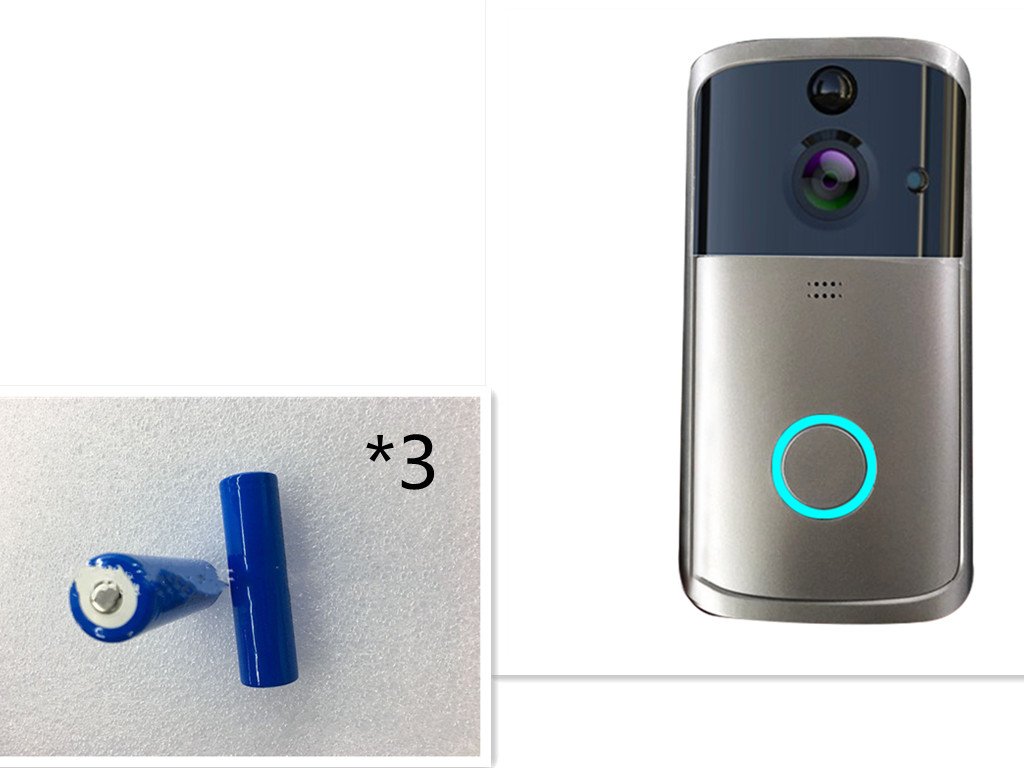
A video doorbell combines a camera, a microphone, a speaker and a motion sensor. When someone presses the button — or in most cases simply approaches — your phone alerts you, and you can see and speak to them.
Two decisions separate the models, and both matter more than resolution.
Wired or battery?
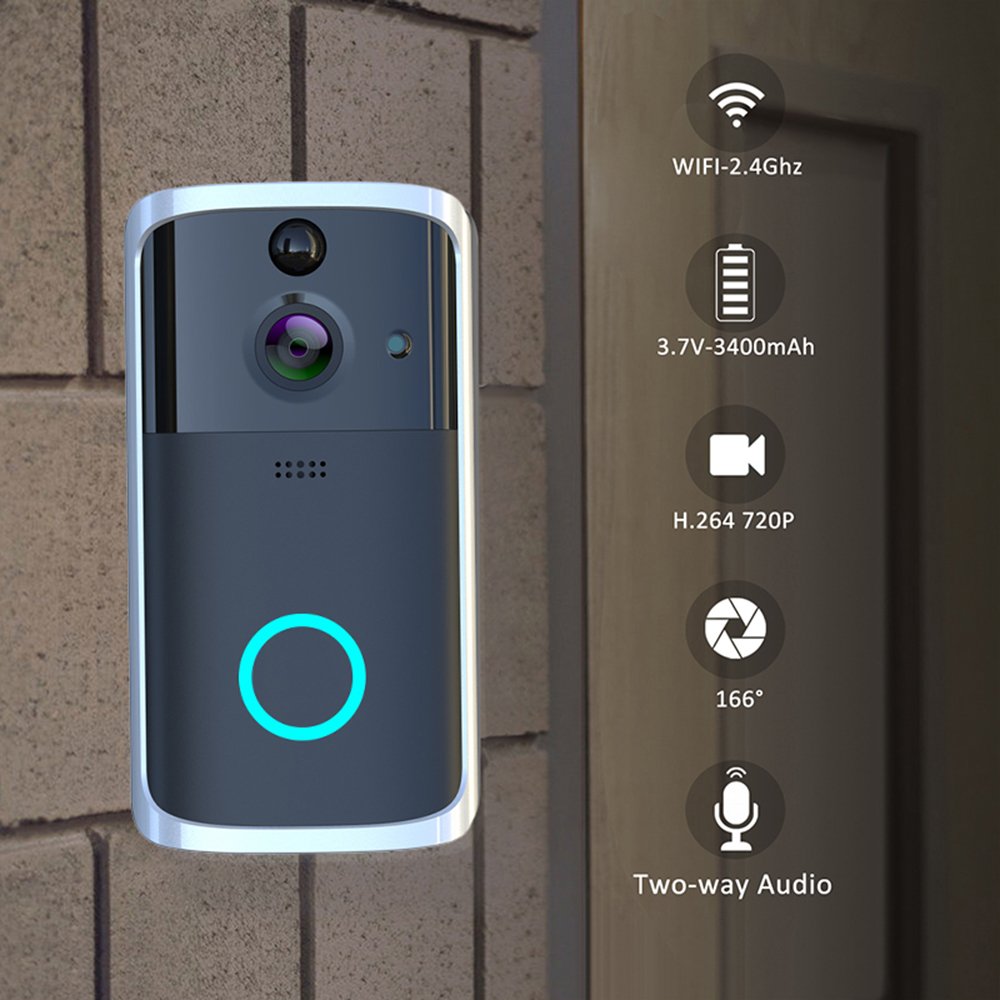
Wired
Replaces an existing doorbell and draws power from its wiring. Never needs charging, but requires wiring to exist and usually a landlord’s permission.
Battery
Mounts on a bracket with no wiring at all. Recharges every few months depending on traffic. The realistic choice for rented flats, and the reason most people can use one at all.
Local storage or cloud?
Local (microSD)
Footage records to a card inside the unit. No subscription. The limitation is honest: if someone steals the doorbell, the footage goes with it.
Cloud
Footage uploads off-site, so theft does not lose it — but almost always as a monthly fee, indefinitely.
For seeing who is at the door and catching missed deliveries, local storage is usually sufficient. If you genuinely need evidence retention, cloud earns its cost.
Installing it so it works
1. Check your WiFi at the door, not at the router
This is the step people skip and then blame the device. Stand at your door and check signal on your phone. Entrance halls, thick walls and metal doors all weaken it. A weak signal produces exactly the symptoms people report as faults: delayed alerts, frozen video, dropped calls.
2. Confirm your network is 2.4GHz
Most doorbells do not support 5GHz. If your router broadcasts both under one name, you may need to split them or temporarily disable 5GHz during setup.
3. Mount at chest height, roughly 1.2 metres
Too high and you film the tops of heads. Too low and you get knees.
4. Angle away from the street
Pointing at a road produces constant motion alerts from passing cars, and you will disable notifications within days. Aim at your own approach.
5. Tune motion sensitivity
Every unit over-alerts out of the box. Reduce sensitivity and set zones until alerts mean something. An ignored notification is worse than none.
What not to do
- Do not mount facing direct sun. Backlighting silhouettes faces and heat shortens battery life.
- Do not rely on it as your only security measure. It records, it does not prevent.
- Do not leave default passwords. An internet-connected camera on a weak password is a genuine risk, not a theoretical one.
- Do not skip firmware updates. They frequently patch security flaws.
Privacy: think before you mount
This deserves more than a footnote. A doorbell camera records public and shared space, not just your property.
- In an apartment building, your camera may film a shared corridor and your neighbours’ doors. Many buildings have rules about this, and some countries treat it as regulated data collection.
- Angle it to cover your entrance, not a neighbour’s window or their door.
- Rules differ by country. Several GCC states regulate recording in shared and public spaces. Check your building management and local rules before installing.
I am not offering legal advice — this is a genuine variable worth ten minutes of checking rather than discovering after a complaint.
Symptoms and causes
- Delayed notifications — weak WiFi at the door, nearly always.
- Constant false alerts — sensitivity too high, or aimed at a road.
- Battery draining fast — high traffic, cold or very hot weather, or excessive motion recording.
- Cannot complete setup — 5GHz network, or the phone is on a different band than the doorbell expects.
- Grainy night video — infrared reflecting off a nearby wall or glass. Reposition slightly.
Three misconceptions
“Higher resolution means better identification”
Lighting and positioning matter far more. A well-placed 1080p camera at chest height identifies faces better than a poorly angled 2K one pointing into sunlight.
“It will stop parcel theft”
It records theft. Whether that leads anywhere depends on footage quality and local policing. Treat it as a deterrent and a record, not prevention.
“Battery models are unreliable”
Modern battery doorbells last months between charges in normal use. The complaints usually trace to a busy street driving constant recording — a placement issue.
What to expect
The first week is noisy. You will get alerts for cats, wind and passing neighbours, and you will be tempted to turn it off. Spend twenty minutes on sensitivity and zones instead — after that it settles into something genuinely useful.
Realistically, most people find the everyday value is deliveries and knowing whether to bother going downstairs. The security benefit is real but occasional.
Submit your story
I would like to hear how yours performs. Found a mounting position that solved false alerts? Battery life in Gulf summer heat? Building rules worth knowing about?
Send it via our contact page.
How this article was created
Written from installing and living with these devices, and from published product specifications — storage limits, network requirements and mounting heights are documented by manufacturers.
I have not invented crime or deterrence statistics. Studies on whether cameras reduce residential theft are mixed and context-dependent, so I have described the device’s function rather than claiming an outcome. The privacy section points to local rules and building management rather than stating what the law says, because it varies by jurisdiction and I am not qualified to advise on it. If anything here is wrong, tell me and I will correct it.
Frequently Asked Questions
Do video doorbells need to be hardwired?
Not always. Battery models install anywhere and recharge periodically, while wired models use existing doorbell wiring for constant power.
Do video doorbells need a subscription?
Live view and alerts are usually free, but saving recorded clips often needs a paid plan. Some brands offer local storage to avoid monthly fees.
Can a video doorbell see clearly at night?
Yes. Most have infrared or color night vision, so also look for a wide field of view and clear two-way audio.
Looking for video doorbell options with fast shipping? See current listings on Amazon. As an Amazon Associate, AKNB Global earns from qualifying purchases.