Rechargeable Mini Fans: A Practical Buying Guide
Why quoted battery life is almost never the real number, why speed-setting spacing beats speed-setting count, and what actually wears a lithium battery down.
 By Ahamed Khan
In this guide11
- 01Battery Life Versus Speed Setting
- 02Noise at Each Speed
- 03Three Speeds Is Usually Enough
- 04Blade Design and Safety
- 05A Common Misconception
- 06Charging Habits That Protect the Battery
- 07Where It Actually Gets Used
- 08Buying Online With Confidence
- 09Submit Your Story
- 10How This Article Was Created
- 11Frequently Asked Questions
Not every room has a ceiling fan or AC vent pointed exactly where you need it. A desk in the corner of a bedroom, a balcony table, a dorm room with one outlet already taken by a lamp – these are the spots where a plugged-in desk fan either cannot reach or cannot physically be placed, and where most people just go without airflow entirely.
A rechargeable mini fan sidesteps the outlet problem completely by charging over USB and running on battery for hours afterward. It can live on a desk, move to a balcony table in the evening, or sit in a bag for the commute. Here is what actually separates a genuinely useful one from a disappointing one.

Battery Life Versus Speed Setting
Every mini fan’s quoted battery life is measured on its lowest speed setting, which is rarely the speed anyone actually wants on a hot afternoon. Running on the highest setting typically cuts the quoted runtime by half or more, since higher fan speed draws noticeably more current from a small battery. If a listing says “up to 8 hours,” treat that as the low-speed number and expect something closer to 2 to 4 hours of real use at a speed that actually moves air meaningfully.
Noise at Each Speed
A fan that is pleasantly quiet on its lowest setting can become distractingly loud on its highest, since noise generally scales faster than airflow as blade speed increases. For a bedside or desk fan used during focused work or sleep, the mid-speed noise level matters more than the peak airflow number, since that is the setting you will actually leave it on for hours at a time rather than the maximum you might use for a few minutes of quick cooling.
Three Speeds Is Usually Enough
More speed settings sound like more control, but in practice most people settle on one of two speeds for almost all use: a low setting for background airflow while working or sleeping, and a high setting for direct cooling on a hot day. A well-spaced three-speed fan covers this better than a poorly-spaced six-speed one where several settings feel nearly identical. Spacing between speeds matters more than the total count.
Blade Design and Safety
Most desk-size mini fans now use fully enclosed blades behind a tight grille, which matters more than it might seem for a fan that is likely to end up within reach of curious fingers, whether a child’s or your own while reaching across a cluttered desk. An enclosed design also tends to run quieter at a given airflow level than an open-blade design, since the housing reduces the turbulent noise blades make cutting through open air. Checking the gap size on the grille, not just whether a grille exists, is worth a moment before buying if the fan will be anywhere near young kids.
A Common Misconception
“A bigger battery (higher mAh) always means longer runtime” is only true when comparing fans with the same motor and blade design. A larger battery paired with a less efficient motor can run for a similar or even shorter time than a smaller battery paired with a well-designed brushless motor, since brushless motors waste noticeably less energy as heat than cheaper brushed ones. Battery capacity is one factor in runtime, not the only one.
Charging Habits That Protect the Battery
Like most small rechargeable electronics, these fans use lithium batteries that last longer when not routinely run all the way to zero or left on the charger well past full. Topping up before it fully drains, and unplugging once charged rather than leaving it connected overnight out of habit, keeps the battery holding a meaningful charge for longer across its lifespan.
Where It Actually Gets Used
A mini fan earns its keep more from portability than raw cooling power: moved from a desk in the morning, to a kitchen counter while cooking, to a bedside table at night, it covers more ground across a day than a single large fan fixed in one room ever could. That flexibility, not peak airflow, is usually the real reason people end up reaching for the small one even when a bigger fan is sitting unused in another room.
Buying Online With Confidence
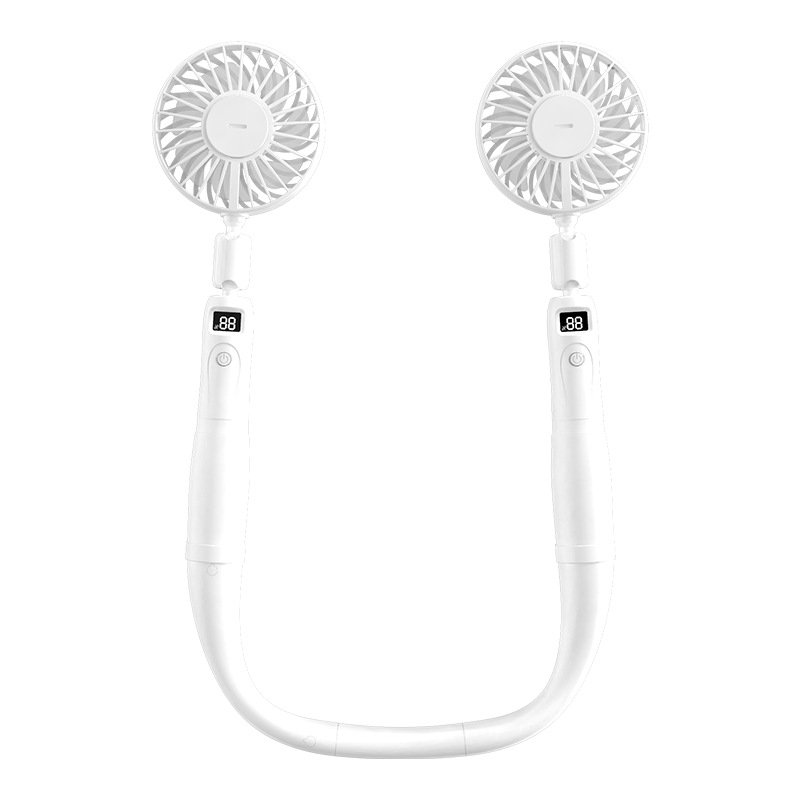
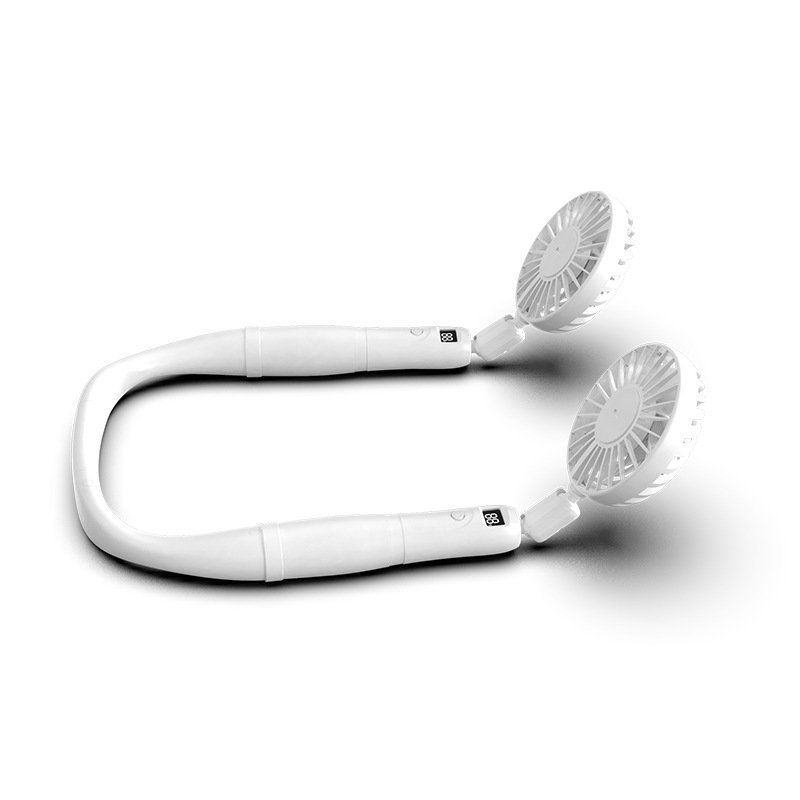
Rechargeable mini fans are an affordable category on the GCC market, with basic generic models starting around 5 to 7 US dollars and better-built options with a proper brushless motor, like this 8-inch USB desk fan listed on Amazon.ae, sitting a step above that in the 20-to-25 dollar range. Checkout at AKNB Global is secure and encrypted, with the exact delivery cost and timeframe for your country shown before you confirm, and tracked delivery across Saudi Arabia, the UAE, Qatar, Kuwait, Bahrain and Oman. For cooling on the move rather than at a desk, our guide to portable neck fans covers the hands-free alternative.
Rechargeable Desktop Mini Fan
A rechargeable desktop mini fan with three speed settings, quiet enough for a desk or bedside table and small enough to toss in a bag for the commute or a dorm room without hunting for an outlet. Card payments via secure checkout.
$38.99
View productSubmit Your Story
Found a spot in your home or workspace a mini fan solved that a bigger fan never could? Share it through our contact page and we may feature it in a future update to this guide.
How This Article Was Created
This guide is based on general, well-established practice around small rechargeable fans, battery runtime and lithium-battery care. Pricing context was checked directly against live Amazon.ae listings at the time of writing, linked above. We do not publish invented statistics or unverifiable claims.
Frequently Asked Questions
How long do rechargeable mini fans last per charge?
Most run 2 to 8 hours depending on speed and battery size. Low speed stretches runtime, while the highest setting drains it fastest.
Can you use a mini fan while it charges?
Many support use while charging over USB, which is handy at a desk, but check the specs since some models pause airflow during charging.
Are neck and handheld mini fans worth it in summer?
Yes for personal cooling on commutes, walks and desks. They will not cool a room, but a steady breeze on the skin makes hot, still air feel far more bearable.