Portable Monitor Guide 2026: Easy Tips to Avoid a Bad Buy
Choosing a portable monitor? Check size, panel, ports, weight and care before you pick a second screen.
 By Ahamed Khan
In this guide17
- 01Table of Contents
- 02Why a second screen helps
- 03Screen size: why 15.6 inches is a common choice
- 04Resolution and panel type
- 05Connections: check your devices first
- 06Power and portability
- 07Using it with a laptop, console or phone
- 08Brightness, comfort and your eyes
- 09Setting it up well
- 10Care and protection
- 11Common mistakes to avoid
- 12Who it suits
- 13Delivery from the US warehouse
- 14The bottom line on portable monitor
- 15Submit Your Story
- 16How This Article Was Created
- 17Related guides
A portable monitor gives you a second screen wherever you work: at the kitchen table, in a hotel room, on a train or beside a games console. It slips into a bag, connects with a cable and instantly adds room for a chat window, a spreadsheet or a reference page. This guide explains what to check before you buy one.
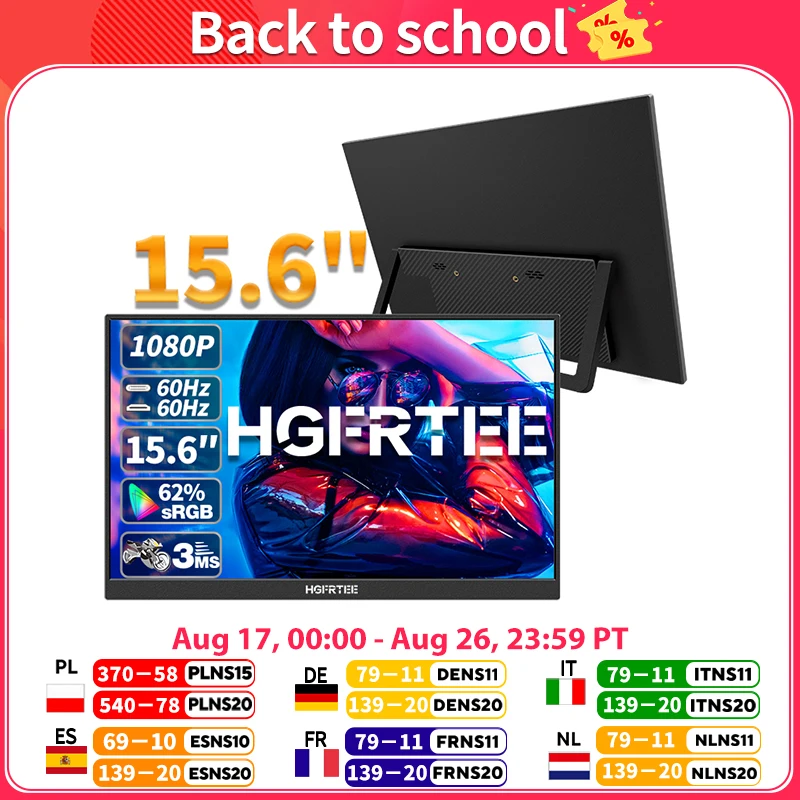
Not every portable screen suits every setup. Size, resolution, panel type, ports and weight all shape how useful it will be day to day. We use the 15.6 in portable monitor on our listing as an example as we go through the points.
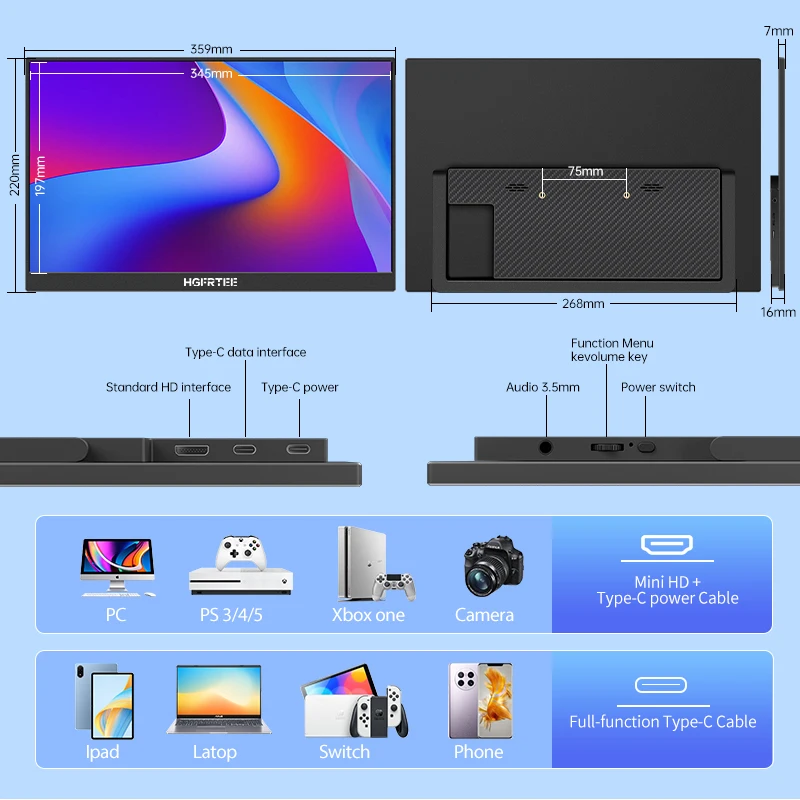
Table of Contents
Why a second screen helps
Switching between windows on a single laptop display costs time and attention. A second screen lets you keep a document on one side and your research, email or video call on the other. Writers, students, analysts, remote workers and traders all tend to benefit. Gamers use one for guides, chat or a streaming view, and travelers use one to turn a cramped hotel desk into a proper workspace.
The gain is easiest to feel in small tasks: copying figures from one window to another, reading a source while you write, or keeping a video call visible while you take notes. Those moments add up across a working day.
Screen size: why 15.6 inches is a common choice
A 15.6 inch screen is close to the size of many laptop displays, so it sits comfortably beside one and still fits in a typical backpack. Smaller screens are lighter but make text harder to read for long periods. Larger ones add weight and need more desk space. Match the size to your main screen where possible, since two screens of similar size feel more natural to use together.
Resolution and panel type
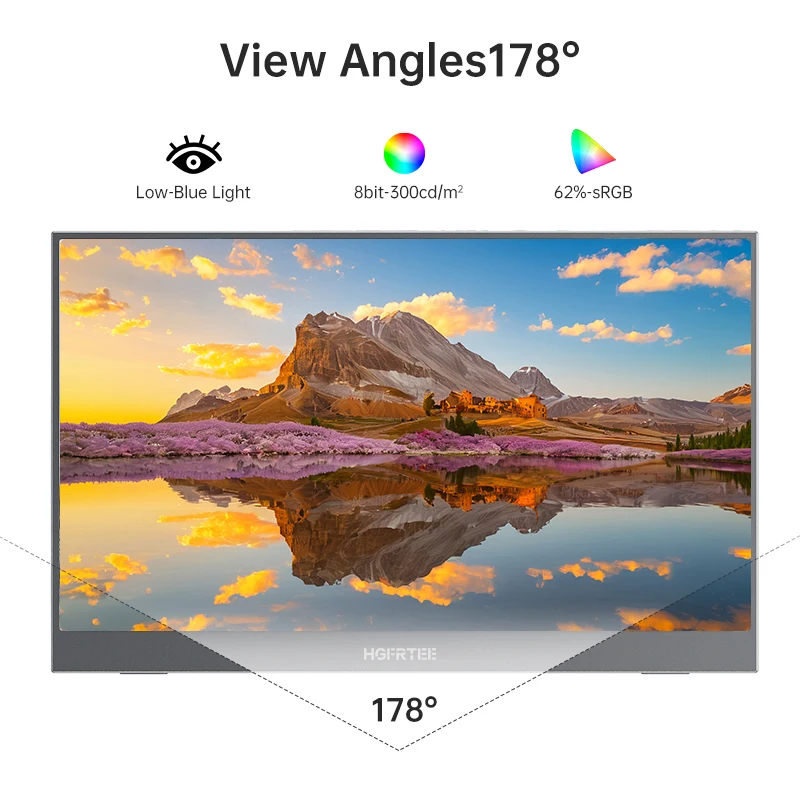
The listing describes a Full HD IPS panel. Full HD is a sharp, practical resolution at this screen size, giving clear text and plenty of room for windows without making everything tiny. IPS panels are known for wide viewing angles and consistent color, which matters when the screen sits beside your laptop and you look at it from the side. If your work involves editing photos or video, compare color performance carefully, because specifications vary widely between models.
Connections: check your devices first
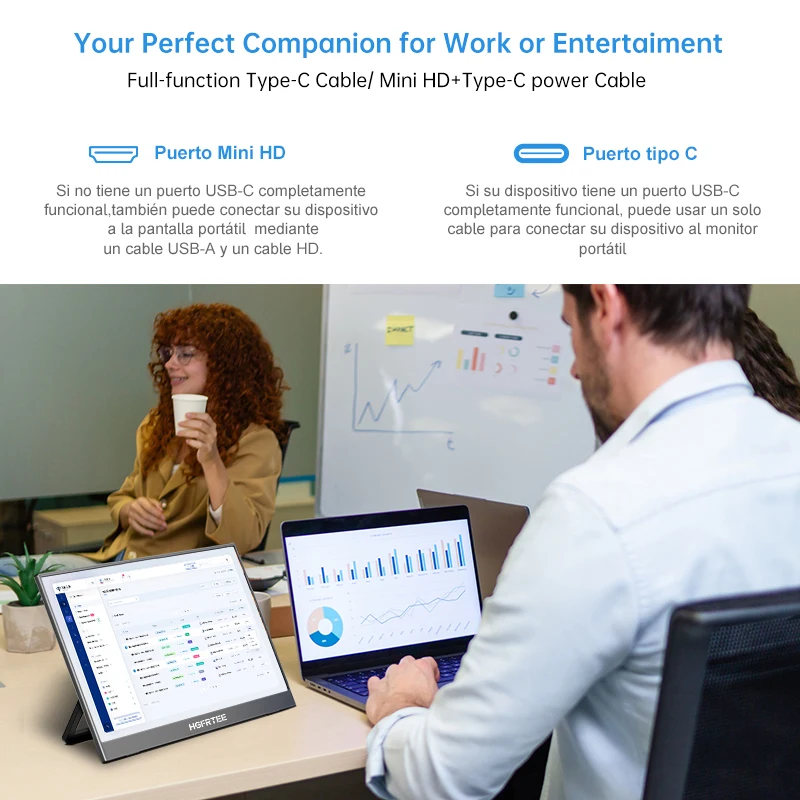
This is the step buyers skip most often. Before you order any portable monitor, check which ports your laptop, phone or console offers and whether they can send a video signal over the connection. Some USB-C ports carry video and power; others carry only data. Read the product page for the connections it lists, and look up your own device specifications. Cables matter too, so confirm what comes in the box and whether you need to buy anything extra.
Power and portability
A slim screen is easy to carry, and the listing gives a boxed weight of about 1.3 kg. Think about how you will transport it. A padded sleeve protects the surface from scratches, and a stand or folding cover makes it easier to prop up on a table. When you use the monitor with a phone or a laptop with limited power, remember that a connected screen can draw extra power from the host device, which shortens battery life. Carry a charger if you plan a long session away from an outlet.
Using it with a laptop, console or phone
With a laptop, the monitor usually works as an extended desktop. In your display settings you can place it to the left or right, set the arrangement to match your desk and choose whether it mirrors or extends your main view. With a games console, it can serve as a compact display in a small room or a bedroom. With a phone, support depends on your device and the cable, so check compatibility before you buy.
Brightness, comfort and your eyes
A second screen in a bright room needs enough brightness to stay readable, while one in a dim room needs to be turned down. Adjust the brightness so the two screens look similar, because a big mismatch tires your eyes quickly. Keep the monitor away from windows that cause glare, and use the 20-20-20 habit many people follow: every twenty minutes, look at something far away for twenty seconds. Wide viewing angles help when the screen is off to one side, but sitting square to it is still best.
Setting it up well
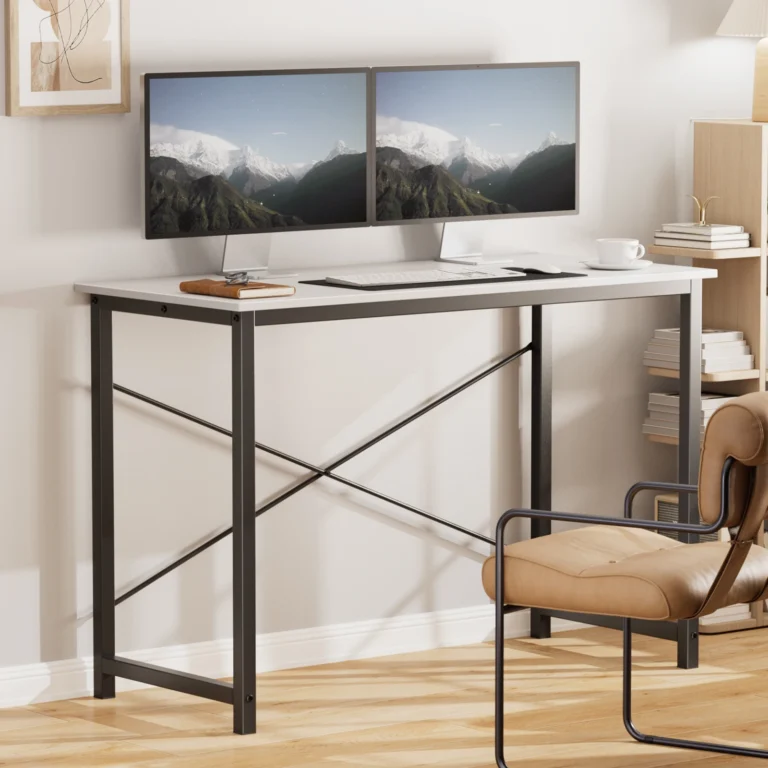
Place the monitor at roughly the same height as your main screen so your neck does not tilt up and down. Keep the top edge near eye level, and sit at a comfortable distance. If the screen has a built-in stand, check that it holds the angle you want on a flat surface, then tidy the cable so it does not tug the screen when you move.
Care and protection
Thin screens are more fragile than a laptop lid, so treat them gently. Store the monitor in a sleeve or a padded compartment, and never place heavy items on top of it in a bag. Clean the surface with a soft, dry microfiber cloth, and avoid spraying liquid directly onto the panel. Unplug cables by pulling the connector, not the wire, to protect the ports.
Common mistakes to avoid
The biggest mistake is buying before checking port compatibility. Others include picking a size that does not match your main screen, forgetting a protective case, expecting the screen to run without drawing power from the host and mounting it so low that you hunch over it. For a broader comparison of what to look for, read our portable monitors buying guide, and pair your setup with a comfortable chair using our ergonomic office chairs guide.
Who it suits
A portable monitor suits remote workers, students, frequent travelers, people in small apartments who cannot fit a large desk setup and gamers who want a flexible extra display. It is less suited to anyone who needs a very large screen, high refresh rates or professional color work. If you work from the same desk every day, a fixed monitor may give you more for the money, so weigh how often you will really carry it. For more desk accessories, browse the Desk Tech collection.
Delivery from the US warehouse
This monitor ships from a US warehouse to US addresses only, with tracking. Live delivery options and the exact cost appear at checkout before you pay. You can see everything that ships this way in our US store.
The bottom line on portable monitor
Choose a portable monitor by checking your ports first, then size, panel and weight. If you want a slim Full HD IPS screen that travels easily and adds a second display to your laptop, console or phone, the 15.6 in portable monitor is worth a closer look.
For independent guidance on product safety, see the U.S. Consumer Product Safety Commission safety education pages.
15.6 in Portable Monitor, FHD IPS Second Screen
A 15.6 inch portable monitor with a Full HD IPS screen that adds a second display to your laptop, console or phone.
$102.99
View productSubmit Your Story
How has a second screen changed the way you work or travel? Share it through our contact page and we may feature it in a future article.
How This Article Was Created
This article was written from the product details on our listing and widely known buying considerations for this type of product. It contains no unsourced statistics and mentions only features shown on the product page. Check the page for current options and prices. This item ships from a US warehouse to US addresses only.